
Blog
Which Mechanical Keyboard Switch is The Quietest?
For office users, mechanical keyboards not only offer a better typing experience and greater durability, but also improve daily office efficiency. However, many people have a question when choosing a mechanical keyboard: which mechanical keyboard switch is the quietest? This article will analyze the switch structure, sound sources, and common switch types to help you find the most suitable mechanical keyboard switch for office use.
Why Mechanical Keyboard Switch Noise Matters in Office Environments
How Mechanical Keyboard Switch Noise Affects Daily Office Work
Offices typically emphasize quiet and focus. Especially when multiple employees are working simultaneously, any noise can affect the overall work atmosphere. Mechanical keyboards continuously produce keystroke sounds during typing. If a noisy mechanical keyboard switch is used, the sound produced while typing can not only disturb colleagues but also potentially affect meetings, phone calls, and focused work tasks.
For users who need to spend long periods writing documents, coding, processing data, or editing content, a quiet typing environment is often crucial. This can improve focus and work efficiency. Therefore, the sound of a mechanical keyboard switch has a significant impact on work.
Why Office Users Prefer Quiet Mechanical Keyboard Switch Options
More and more office users are opting for low-noise mechanical keyboard switches, primarily for the following reasons:
- Lower key noise reduces disturbance to colleagues, especially in shared workspaces where it’s more acceptable.
- With the increasing prevalence of remote conferencing and video calls, keyboard noise can be amplified by microphones, affecting communication quality.
- Quiet switches generally provide a more comfortable typing experience, reducing fatigue during long work sessions.
Therefore, an ideal office switch not only needs a comfortable feel but also low noise performance to provide a more ideal working environment.
There Is No Single Perfect Mechanical Keyboard Switch
Many users are searching for the “best” switch, but there’s no single answer suitable for everyone. Some users prefer a strong tactile feedback, while others prioritize smooth typing; different office environments also have different requirements. Therefore, when choosing a mechanical keyboard switch, it’s necessary to consider various needs to find the most suitable product.
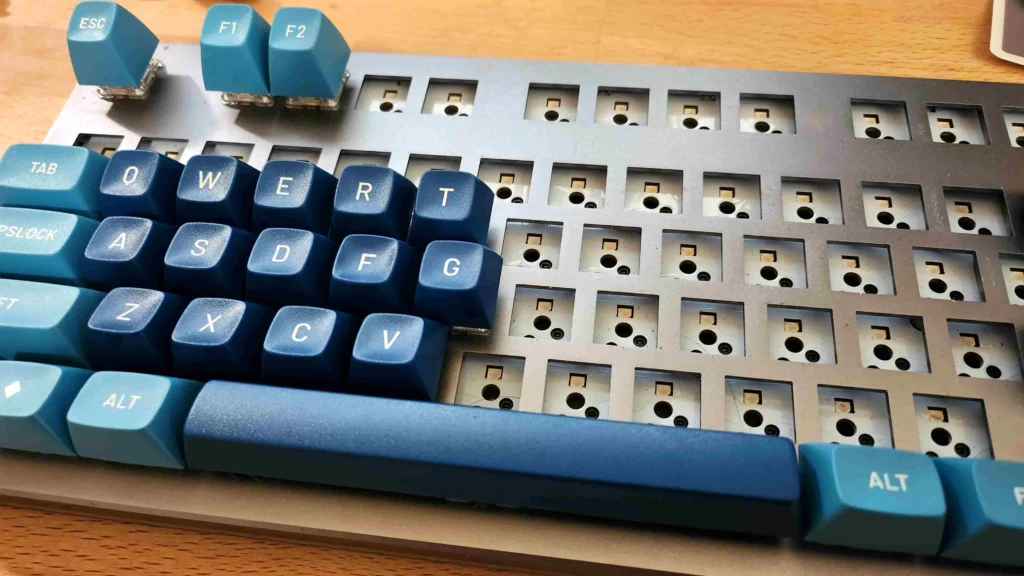
What Determines Mechanical Keyboard Switch Noise Levels
Mechanical Keyboard Switch Structure and Sound Generation
The sound of a mechanical keyboard doesn’t solely originate from the switches themselves. It primarily comes from the following aspects:
- The sound generated by the movement of the internal structure of the switch. Some switches produce additional noise during operation due to their tactile and click mechanisms.
- The sound of the keycap bottoming out. When a key is fully pressed, the keycap makes a striking sound as it contacts the mounting plate or housing.
- The sound of the key rebounding. The return of the switch to its original position when the spring releases energy also produces sound.
- Resonance of the keyboard housing. If there are large cavities inside the keyboard, the sound will be further amplified.
Therefore, the same mechanical keyboard switch installed on different keyboards may produce significantly different sound performances.
Linear, Tactile, and Clicky Mechanical Keyboard Switch Differences
Currently, mechanical keyboard switches on the market are mainly divided into three categories:
- Linear Switch: These switches have no noticeable tactile feedback during pressing, providing a smooth and continuous feel. They are usually the quietest type.
- Tactile Switch: Provides a slight tactile feedback upon actuation, allowing the user to perceive that the key has been pressed. Noise levels fall between linear and click switches.
- Clicky Switch: Features an independent click mechanism, producing a distinct “click” sound upon actuation. This is the most noticeable sound.
This is the fundamental reason for the significant noise differences among various switch types.
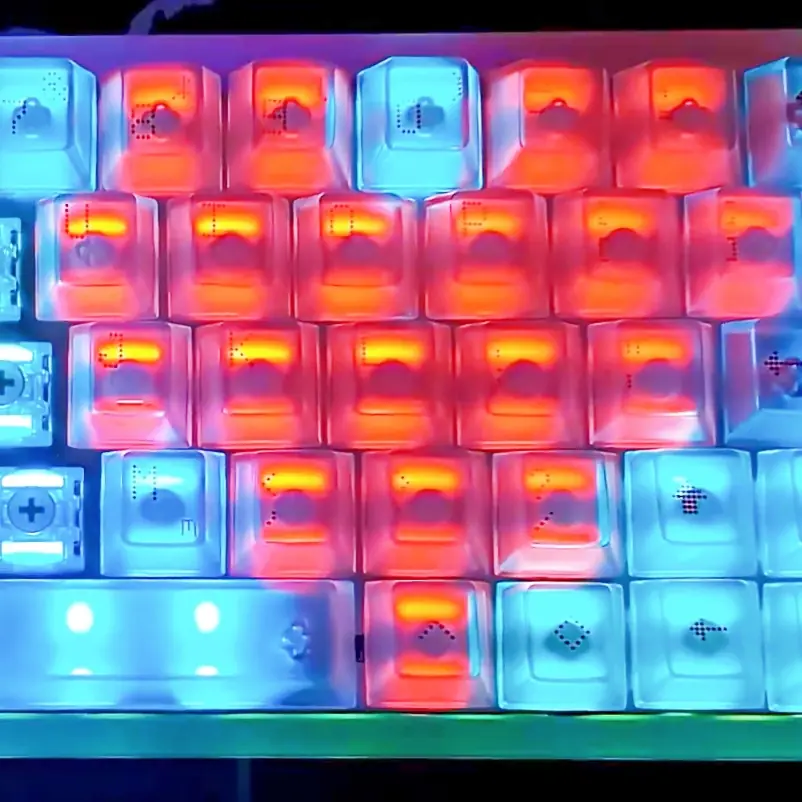
Mechanical Blue Switch — The Loudest Mechanical Keyboard Switch
Why Mechanical Blue Switch Produces a Click Sound
The Mechanical Blue Switch is a typical Clicky Switch. Its internal Click Jacket structure produces an independent click sound upon key actuation. Simultaneously, the tactile feedback and click sound occur synchronously, allowing the user to clearly perceive each input action, making it one of the most mechanically tactile switches.
Advantages of Mechanical Blue Switch
The biggest advantage of the Blue Switch is its extremely clear input feedback. Users can clearly perceive whether the key has been pressed, thus gaining a strong sense of rhythm and confirmation. For users who prefer the feel of traditional mechanical keyboards, this feedback is often highly appealing.
Why Mechanical Blue Switch Is Not Ideal for Most Offices
However, it is highly unsuitable for shared office environments. The noticeable input feedback also highlights the numerous clicks it makes when typing frequently. In an office, this noise can easily disturb those around you. Therefore, unless you have a private office, the Mechanical Blue Switch is not recommended.

Mechanical Brown Switch — A Balanced Mechanical Keyboard Switch
How Mechanical Brown Switch Reduces Noise
The Mechanical Brown Switch is a tactile switch. Unlike the Blue Keyboard Switch, it eliminates the independent click mechanism, retaining only a slight tactile feedback. Therefore, while retaining the mechanical feel, it significantly reduces key noise.
Mechanical Brown Switch for Office Use
Some consider the Brown Switch a solution that balances office work and entertainment. It provides some tactile feedback without producing noticeable click noise, making it easier for first-time mechanical keyboard users to adapt.
Limitations of Mechanical Brown Switch
However, the Brown Keyboard Switch still retains a tactile structure, and will still produce some mechanical noise during high-speed typing. If you are looking for extreme quietness, it is not the best choice.

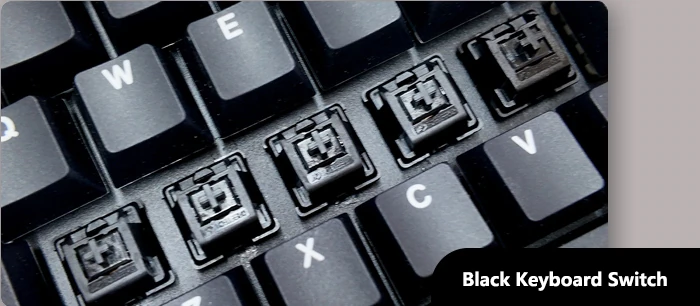
Mechanical Black Switch — A Quiet Mechanical Keyboard Switch for Heavy Typists
Why Mechanical Black Switch Is Relatively Quiet
The Mechanical Black Switch is a linear switch. It lacks a tactile feedback mechanism and a click mechanism; the sound primarily comes from the bottoming out of the keys. Compared to the two products mentioned above, its overall noise level is significantly lower.
How Higher Actuation Force Influences Typing Sound
The Black Switch’s biggest feature is its higher actuation force. Higher force reduces accidental keystrokes and enhances the tactile feedback. However, users may habitually strike the keyboard with greater force, leading to increased bottoming-out sound. Therefore, while the Black Switch is structurally quiet, its actual sound performance is related to user habits.
Who Should Choose Mechanical Black Switch
The Black Switch is more suitable for programmers and office workers who require precise input control. For users prone to accidental keystrokes, it provides a more stable input experience.
Mechanical Red Switch — The Quietest Popular Mechanical Keyboard Switch
Why Mechanical Red Switch Produces Less Noise
The Mechanical Red Switch is often the quietest option. It’s also a linear switch, lacking tactile and click mechanisms. However, its actuation force is lower than the Black Switch, resulting in a lighter and smoother keystroke. Due to the near absence of structural impact and additional feedback mechanisms, its noise level is extremely low.
Mechanical Red Switch Sound Characteristics
Red Switches typically only produce bottoming-out and rebound sounds. There are no tactile friction or click sounds, and the lighter actuation force makes it easier for users to achieve light-touch input. Furthermore, many high-end keyboard switch manufacturers further reduce the operating noise of Red Switches by optimizing the rail structure, improving spring design, and increasing lubrication.
Why Office Users Often Prefer Mechanical Red Switch
For long-term office users, the Red Keyboard Switch offers several advantages:
- Lighter actuation force reduces finger fatigue.
- Smooth keystrokes are suitable for extended periods of continuous typing.
- Lower noise reduces disturbance to colleagues.
Therefore, whether for document editing, coding, or daily office communication, Mechanical Red Switch has become one of the most popular switch types in the office keyboard market.

Other Factors That Affect Mechanical Keyboard Switch Sound
Keycap Material Influences Mechanical Keyboard Switch Noise
Besides the switch itself, the keycap material also affects sound performance. ABS keycaps usually have a crisper sound, while PBT keycaps, due to their higher material density, have a relatively deeper sound. Of course, thicker keycaps generally reduce sharp high-frequency sounds, making the overall tone smoother.
Keyboard Housing and Internal Structure Matter
In addition, the keyboard structure also affects the final noise. Plastic housings generally have better sound absorption. While metal housings have a stronger feel, they are prone to resonance. Of course, internal filling, shock-absorbing materials, and multi-layered buffer structures can also reduce cavity noise and resonance.
Lubrication and Silent Mechanical Keyboard Switch Technology
Lubrication technology is now one of the important processes in mechanical keyboards. By adding lubricant to the contact areas of the guide rails and springs, friction noise and spring chatter can be reduced, resulting in a quieter and smoother keyboard switch.
Which Mechanical Keyboard Switch Is the Quietest for Office Use?
Mechanical Keyboard Switch Noise Ranking
The table below generally reflects the actual experience of most users and can be used as a reference:
| Keyboard switch type | Noise performance |
Main features |
|
Mechanical Blue Switch |
Loudest |
The click sound is distinct, providing the strongest feedback |
|
Mechanical Brown Switch |
Moderately loud |
Slightly tactile, balanced experience |
|
Mechanical Black Switch |
A little loud |
Linear feel, requires relatively high actuation force |
|
Mechanical Red Switch |
Quietest |
Smooth and lightweight, suitable for office use |
Best Mechanical Keyboard Switch for Different Office Users
- The Mechanical Red Switch is the best choice for office environments;
- If you want a balance between work and entertainment, consider the Mechanical Brown Switch;
- For heavy-handed users, the Mechanical Black Switch is more suitable;
- If you have a private office and prefer strong mechanical feedback, consider the Mechanical Blue Switch.
Future Trends of Quiet Mechanical Keyboard Switch
As office users’ demand for quiet environments continues to grow, silent mechanical switch technology is rapidly developing. Silent switches essentially add silicone or TPE elastic material to both sides of the linear switch’s core. When the key bottoms out and rebounds, the cushioning material absorbs some of the impact energy, significantly reducing noise. Therefore, it is becoming increasingly popular in the office market. On the other hand, new cushioning structures are replacing traditional simple noise reduction solutions, achieving a more natural feel.
Meanwhile, low-noise magnetic switches are also gradually entering the market. In the future, office keyboards will place greater emphasis on low noise, high comfort, and extended typing experience. Finding a balance between silent performance and tactile feedback has become an important development direction.
Conclusion
For office users, choosing a quiet mechanical keyboard switch not only improves their personal typing experience but also reduces disturbance to colleagues. Of course, different switch types are suitable for different office scenarios, and the choice should be made based on specific needs.
Considering sound performance, typing comfort, and long-term office experience, the Mechanical Red Keyboard Switch is considered the most suitable mechanical keyboard switch for office use. As keyboard switch manufacturers continue to advance their technology, office users will have more options that balance tactile feedback and low noise levels in the future.